
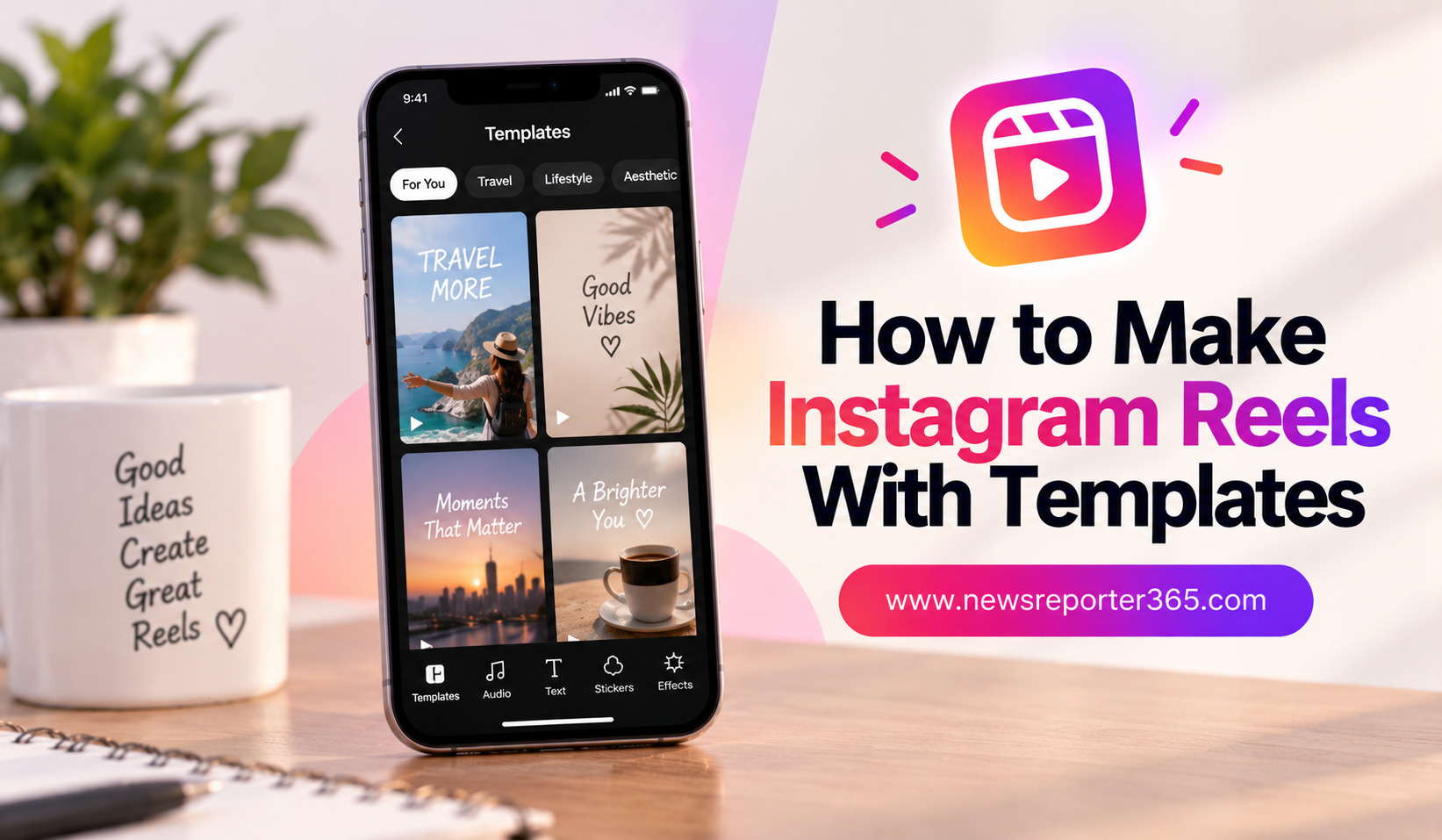
Creating an Instagram Reel from scratch can take time, especially when you need to arrange clips, synchronize music, add text, and build transitions manually. Instagram Reel templates make this process much easier by giving you a ready-made structure that you can customize with your own photos and videos.
Templates are useful for beginners, influencers, businesses, and anyone who wants to post Reels more consistently. Instead of spending a long time deciding how each clip should be timed, you can start with an existing format and concentrate on choosing content that fits your message.
The best part is that using a template does not mean your Reel has to look generic. With the right clips, text, music, and small creative changes, you can turn a basic template into a video that reflects your own style.
What Are Instagram Reel Templates?
An Instagram Reel template is a pre-designed video structure that provides a framework for creating a Reel. Depending on the template, it may include predetermined clip timing, transitions, music, and other elements.
Rather than manually building the entire video, you add your own media to the available sections. The template then helps organize the clips according to its original timing and design.
Templates are particularly useful for short-form videos because they can make editing faster. They are also helpful when you discover a Reel format that works well with the type of content you regularly create.
Why Use Templates for Instagram Reels?
The biggest benefit of templates is convenience. You do not have to start with an empty timeline and decide exactly where every clip should appear. The basic structure is already available.
Templates can also help beginners understand how short-form videos are constructed. By experimenting with different formats, you can learn how clip length, music, transitions, and pacing affect the overall viewing experience.
Another advantage is consistency. If you create content for a business or personal brand, templates can provide a repeatable starting point. You can then add your own colors, fonts, footage, and messaging to make the final video more recognizable.
How to Find Templates on Instagram
Instagram provides a template-based workflow that allows creators to build Reels using existing formats. When browsing Reels, you may come across videos that use a template and provide an option to use that structure for your own content.
You can also explore templates while creating a new Reel and look for formats that match the type of video you want to make. The available selection can change over time as new trends and creative formats become popular.
When choosing a template, do not select one simply because it is trending. Think about whether its pacing and visual style fit your footage.
Choose a Template That Matches Your Content
A travel Reel may work well with a template that uses several quick landscape clips, while a fashion Reel may benefit from faster transitions between outfits. A business Reel might require more space for text and product information.
Before selecting a template, consider the number of clips it requires, the pace of the video, and whether your available footage matches the overall style.
Step-by-Step: How to Make a Reel With a Template
Step 1: Choose Your Template
Start by finding a template that matches your content. Look at the number of clips required and pay attention to how quickly the visuals change.
If you already have your footage ready, choose a template that accommodates the clips you have rather than forcing your content into an unsuitable format.
Step 2: Select Your Photos or Videos
Once you choose the template, add the photos and videos you want to use. Try to select clips that have clear subjects and good visual quality.
Do not feel obligated to use every piece of footage from your camera roll. A smaller collection of strong clips will usually create a better Reel than many repetitive ones.
Good footage for templates usually has:
- Clear lighting and sharp details.
- Different angles or compositions.
- Enough movement to maintain visual interest.
- A consistent overall mood.
Step 3: Arrange Your Clips Carefully
Templates may automatically place your selected media into different sections, but you should still review the result carefully. Some clips may work better in particular positions.
For example, a wide establishing shot can work well at the beginning, while a close-up or memorable moment can make a stronger ending. Think about the sequence as a small story rather than simply filling empty spaces.
Step 4: Customize the Reel
After adding your footage, customize the Reel wherever possible. Replace generic text with your own message and make adjustments that suit your content.
You can also add captions, stickers, text overlays, or other elements if they improve the video. However, avoid adding so many elements that the original template becomes difficult to follow.
How to Make a Template Reel Look Original
One of the biggest concerns with templates is that many creators may use the same format. The solution is personalization.
Your footage is the most important part of making the Reel unique. Even when two creators use the same template, their videos can look completely different when the clips, story, text, and visual style are different.
You can also personalize the template by changing the opening clip, adjusting text, using your own branding, and selecting footage that communicates a specific idea.
For businesses, adding consistent brand colors, logos, fonts, and messaging can turn a generic template into a recognizable piece of branded content.
How to Choose the Right Music
Music has a major influence on the mood and pacing of a Reel. Many templates are designed around a particular soundtrack, which helps determine when clips change.
If the template already includes music, listen to it carefully before selecting your footage. Choose clips whose movement matches the rhythm. A walking shot, camera movement, dance step, or product reveal can become more effective when it changes at the right moment.
If you have the option to customize the audio, make sure your chosen soundtrack matches the subject of the Reel rather than using a song simply because it is popular.
Templates vs Manual Reel Editing
Templates are not always the best option. Sometimes manual editing gives you more freedom to tell a specific story or control the exact timing of every clip.
| Feature | Template Editing | Manual Editing |
| Setup time | Very fast | Longer |
| Ease for beginners | Excellent | Moderate |
| Creative control | Moderate | High |
| Clip timing | Often predefined | Fully customizable |
| Consistency | Easy to maintain | Requires more work |
| Best for | Quick social content | Custom storytelling |
Templates are ideal when speed and convenience matter. Manual editing is better when your Reel requires precise storytelling, detailed transitions, or a completely custom structure.
Tips for Making Better Template Reels
A template can provide the structure, but the quality of your content still determines how successful the Reel feels. Start with a strong opening clip because the first moment should immediately give viewers a reason to continue watching.
Try to create visual variety. If every clip looks nearly identical, even an attractive template can feel repetitive. Combine wide shots, close-ups, movement, people, objects, and details when appropriate.
Keep your text short and readable. Viewers should be able to understand the message quickly without pausing the Reel.
A few useful principles can make template-based editing more effective:
- Use your strongest clip near the beginning.
- Match footage to the template’s pacing.
- Keep text within a safe, visible area.
- Remove clips that feel repetitive.
- Preview the complete Reel before publishing.
Common Mistakes When Using Reel Templates
One common mistake is selecting a template before considering the available footage. If your clips do not match the template’s pace or composition, the final result may feel awkward.
Another mistake is using too many effects or stickers. Templates already contain a visual structure, so additional elements should have a clear purpose.
Creators should also avoid copying another person’s content too closely. A template can provide inspiration and structure, but your footage, message, storytelling, and presentation should remain your own.
Finally, do not assume that a popular template guarantees strong performance. A template can make editing easier, but interesting content is what keeps viewers engaged.
How Businesses Can Use Instagram Reel Templates
Templates can save businesses significant time when creating recurring social content. A company can use them for product launches, customer testimonials, behind-the-scenes clips, educational videos, announcements, and promotional campaigns.
The key is to develop a consistent visual identity. Use similar fonts, colors, logos, and messaging across different Reels so that the content feels connected.
Businesses can also create their own repeatable editing formats rather than relying entirely on public templates. This makes it easier for a social media team to produce regular content while maintaining a consistent brand appearance.
Best Apps for Creating Reels With Templates
Instagram is the natural starting point for creators who want native Reel templates. However, other editing applications can provide additional template options and customization tools.
Apps such as CapCut, Canva, InShot, and other mobile editors offer different approaches to template-based editing. Some focus on fast video transitions, while others are better for branded designs, text animation, or promotional content.
The right app depends on how much control you want after applying the template. If you only need a quick video, a simple template workflow may be enough. If you want to make significant changes, choose an editor with more customization options.
FAQs
1. How do I create an Instagram Reel using a template?
Find a suitable Reel template through Instagram’s template options, select it, and add your own photos or videos. Review the automatically arranged clips, customize the available elements, and preview the Reel before sharing.
2. Can I customize an Instagram Reel template?
Yes. Depending on the template, you can replace clips and make changes to elements such as text, music, effects, and other creative details. The amount of customization varies between templates.
3. Are Instagram Reel templates free?
Many templates available through Instagram can be used without paying for a separate template. However, features and availability can vary, and some third-party editing apps may offer both free and premium templates.
4. Are template-based Reels good for beginners?
Yes. Templates are particularly useful for beginners because they reduce the amount of manual editing required. They provide a starting structure while allowing you to learn how clips, music, and transitions work together.
5. How can I make a Reel template look unique?
Use your own footage, write original text, select clips that tell your story, and customize colors or branding where possible. Personalizing the content is more important than simply choosing a different template.
Conclusion
Instagram Reel templates provide a simple way to create polished short-form videos without building every edit from scratch. They can save time, make the editing process less intimidating, and help creators maintain a consistent publishing schedule.
The most important step is choosing a template that genuinely fits your content. From there, focus on selecting strong footage, creating visual variety, customizing the text and presentation, and keeping the final video easy to understand.
Templates should be treated as a creative starting point rather than a finished product. When you combine a useful structure with original footage and your own ideas, you can create Instagram Reels that feel personal, engaging, and professional.