

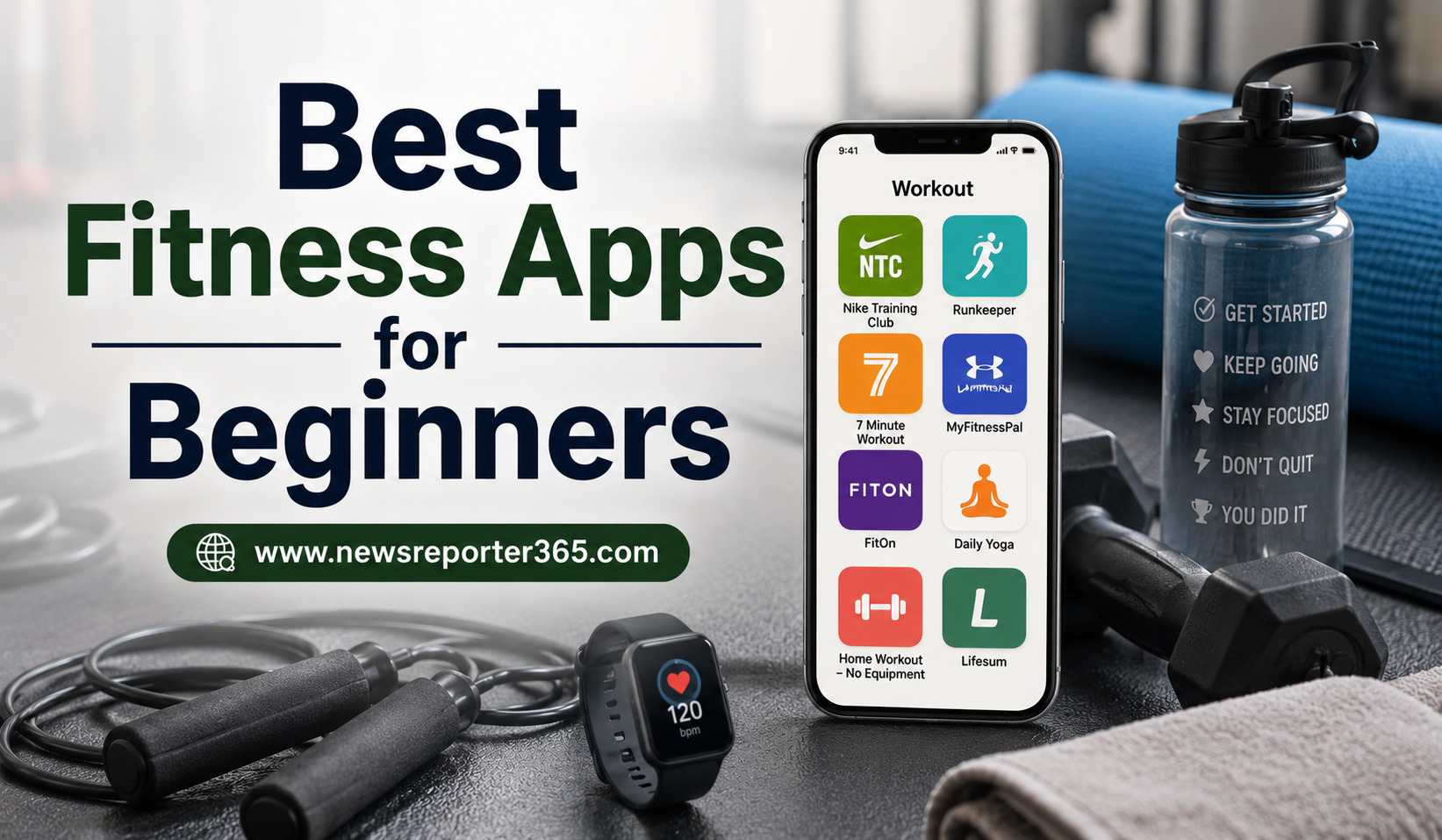
Starting a fitness routine can feel harder than it sounds. You may know that regular exercise is important, but knowing where to begin, which exercises to perform and how often to train can quickly become confusing. This is where fitness apps can make the process easier.
Modern fitness apps can turn a smartphone into a basic personal training companion. They can provide guided workouts, exercise demonstrations, reminders, progress tracking and programs designed around different goals. Some focus on home workouts, while others are better suited to gym training, running, walking, strength development or general fitness.
For beginners, however, having hundreds of workouts is not necessarily an advantage. The most useful app is usually one that keeps things simple and gives you a clear idea of what to do next. Recent 2026 fitness-app comparisons similarly emphasize guided instruction, beginner-friendly programming, manageable workouts and ease of use rather than simply having the biggest exercise library.
The best fitness app is also highly personal. Someone who enjoys running may benefit from a very different app than someone who wants to exercise at home without equipment. Before choosing an app, it helps to understand what you actually want from your fitness routine.
Why Fitness Apps Are Useful for Beginners
Walking into a gym without knowing what to do can be intimidating, while exercising at home can become repetitive if you do not have a plan.
A fitness app can provide structure. Instead of searching for a random workout every day, you can often follow a routine based on your fitness level and goals.
Apps can also make exercise more convenient. Many platforms offer bodyweight workouts that can be performed in a small space.
Another advantage is progress tracking. Seeing that you completed your first workout, increased your walking distance or consistently exercised for several weeks can provide useful motivation.
However, an app should be treated as a tool rather than a replacement for professional medical or fitness advice when such guidance is needed.
What Should Beginners Look for in a Fitness App?
A beginner-friendly app should feel understandable from the first session. Clear instructions are particularly important because beginners may not recognize exercise names or know how a movement should feel.
Video demonstrations can be helpful, especially when they explain technique instead of simply showing repetitions. A structured program can also be more useful than an enormous library because it removes the question of what to do next.
Workout length matters too. If every session takes an hour, someone with a busy schedule may struggle to stay consistent. Apps offering shorter sessions can make it easier to build the habit gradually.
Important features to consider include:
- Beginner-level workouts with clear demonstrations.
- Flexible sessions that match your available time.
- Options for home or gym-based training.
- Progress tracking and reminders.
Nike Training Club: A Strong Free Starting Point
Nike Training Club is one of the most recognizable workout platforms and remains a useful starting point for people who want guided training without immediately paying for a subscription.
Recent 2026 reviews have highlighted Nike Training Club as a leading free workout option because of its range of guided sessions.
The app offers different types of workouts and can be useful for people who want to experiment with strength, mobility, conditioning and other forms of exercise.
For a beginner, the main advantage is variety combined with professionally presented instruction. The potential downside is that a large library can still feel overwhelming if you are not sure what type of workout to choose.
The best approach is to start with beginner-friendly sessions and avoid trying to do everything at once.
FitOn: Good for Guided Home Workouts
FitOn is another popular option for people who prefer exercising at home.
Its appeal comes from guided video workouts and a broad range of classes. It can suit people who want flexibility rather than a traditional gym-style program.
For beginners, video-based instruction can make exercise feel less intimidating because you can follow along instead of memorizing a routine.
Recent beginner-focused fitness guides continue to recommend FitOn among accessible options for people starting from scratch.
It can be particularly useful if you enjoy variety and want to switch between different types of workouts without buying equipment.
Apple Fitness+: Best for Apple Users
Apple Fitness+ can be an attractive option for people already using Apple devices, particularly those who like instructor-led classes and integrated activity tracking.
The platform offers workouts across several categories and works closely with Apple Watch features.
Recent testing from Tom’s Guide lists Apple Fitness+ as a strong choice for Apple users because of its integration and variety of guided classes.
For beginners, the polished presentation can make workouts feel approachable. However, its value depends heavily on the devices and ecosystem you already use.
If you are not an Apple user, there may be other apps that provide a simpler starting point without requiring you to build your fitness routine around a particular device ecosystem.
Strava: A Good Choice for Walking and Running
Not every beginner wants strength workouts.
Some people simply want to start walking, jogging or running more regularly. For them, Strava can be useful because it focuses strongly on activity tracking and outdoor exercise.
Strava is designed around recording activities and monitoring progress. It supports numerous activity types and includes social features that can encourage consistency. Recent 2026 testing also identified Strava as a strong choice for runners.
For someone starting with running, the app can make progress visible by recording distance and other activity information.
However, tracking an activity is different from receiving a complete beginner training plan. If you need step-by-step strength instruction, a workout-focused app may be more appropriate.
Freeletics: Useful for Structured Training
Freeletics uses a more personalized approach to workouts and has become known for adaptive training.
The idea can be appealing to beginners who want an app to provide direction rather than choosing every exercise themselves.
However, beginners should be careful not to treat challenging workouts as a measure of success. Starting too aggressively can make exercise unpleasant and may increase the risk of overuse or poor technique.
A beginner should prioritize consistency and movement quality before worrying about advanced intensity.
Fitbod: Better for Gym-Based Strength Training
For people who want to start strength training in a gym, Fitbod can be worth considering.
The platform focuses on workout planning and strength training rather than simply providing follow-along cardio sessions.
It can be useful for people who want their workouts organized around available equipment and training history.
However, strength-training apps require a little more responsibility from the user. If you have never used weights before, understanding correct technique is more important than simply completing the planned number of sets.
If you are completely new to resistance training, consider learning basic movement patterns from a qualified professional before increasing weights.
Hevy and Strong: Useful for Tracking Gym Progress
Some beginners do not need an app to teach every workout. They simply want a convenient way to record what they do at the gym.
This is where workout loggers such as Hevy and Strong can become useful.
They allow users to record exercises, sets, repetitions and weights, helping them see how their training develops over time.
Community discussions in 2026 frequently mention Hevy and Strong among gym-tracking options, although users also note differences in free-tier limitations and features.
These apps may be better once you understand basic gym exercises. For a complete beginner who does not know how to structure a workout, a guided program may be a better first step.
Walking Apps Can Be a Great First Step
For someone who has been inactive, walking can be a simple way to start becoming more physically active. A step-counting or walking-focused app can provide motivation without making exercise feel overwhelming.
You can begin by tracking your normal activity and gradually increase movement according to your comfort and circumstances.
This approach can be particularly useful for people who dislike traditional gym workouts.
The important thing is to choose an activity you are willing to repeat.
Fitness Apps for Different Beginner Goals
| Goal | App Type to Consider | Why It Can Help |
| General fitness | Guided workout app | Provides variety and structure |
| Home workouts | Video-based app | Easy to follow without a gym |
| Walking | Activity tracker | Encourages daily movement |
| Running | Running tracker | Records distance and progress |
| Gym strength | Workout planner | Organizes exercises and sets |
| Workout logging | Gym tracker | Makes progress easier to monitor |
| Mobility | Yoga or mobility app | Focuses on flexibility and movement |
The “best” option changes depending on your goal. A running tracker may be excellent for a new runner but unnecessary for someone looking for home strength workouts.
Free vs Paid Fitness Apps
Many fitness apps offer free versions, while others use subscriptions for advanced programs or features.
Beginners do not necessarily need a premium subscription immediately.
A free version can be enough to determine whether you enjoy the app’s interface, coaching style and workout format. Several current fitness-app comparisons recommend exploring free tiers or trials before committing to a paid service.
Paid subscriptions may become worthwhile when you want personalized programming, deeper tracking, specialized classes or additional coaching features.
How to Choose the Right App for Your Lifestyle
Your schedule should influence your decision.
If you have only 15 minutes in the morning, choose an app with short workouts. If you have more time on weekends, you can add longer sessions.
Your environment matters too. Someone living in a small apartment may prefer bodyweight workouts, while someone with gym access may want an app built around resistance training.
Equipment is another consideration.
Before choosing an app, check whether its workouts require dumbbells, resistance bands, machines or other equipment.
Ask yourself these questions before downloading:
- What is my main fitness goal?
- How much time can I realistically exercise each week?
- Do I prefer home, gym or outdoor workouts?
- Do I need guided instruction or mainly progress tracking?
Don’t Let the App Become Another Source of Pressure
Fitness apps can motivate you, but they can also create unnecessary pressure.
Daily streaks, calorie targets and performance numbers may encourage some people while making others feel discouraged.
Beginners should remember that missing one workout does not erase progress.
The goal is to develop a sustainable routine rather than maintain a perfect streak.
If an app constantly makes you feel that you are failing, it may simply not be the right app for you.
Start With Short, Manageable Workouts
One of the biggest mistakes beginners make is doing too much too soon.
A 20-minute workout that you can repeat consistently may be more useful than a difficult one-hour session that leaves you exhausted and causes you to stop exercising for several days.
Recent beginner-focused guidance also emphasizes manageable workout durations and gradual progression rather than overwhelming new users with large exercise libraries.
Start with a realistic schedule and gradually increase your activity as your fitness and confidence improve.
Learn Technique Before Chasing Results
A fitness app can demonstrate exercises, but beginners still need to pay attention to technique.
Do not rush through movements simply to finish a workout.
If an exercise causes pain, stop and reassess rather than trying to push through it. If you are unsure whether a movement is appropriate for you, particularly if you have an existing injury or health concern, professional guidance is the safer option.
Fitness is a long-term process. There is no advantage in progressing quickly if you cannot maintain the routine.
Track the Progress That Actually Matters
Progress is more than the number on a scale.
You might notice that walking becomes easier, you can perform more repetitions, your balance improves or you simply feel more comfortable exercising.
These changes can be valuable indicators that your routine is becoming established.
Use app statistics as information rather than as a judgment of your worth or fitness level.
Useful progress markers can include:
- Number of workouts completed.
- Walking or running distance.
- Repetitions or resistance used.
- Consistency from week to week.
Different goals require different measurements, so choose metrics that actually relate to what you want to achieve.
Build a Routine Around the App
Downloading an app is easy. Using it consistently is the difficult part.
Try connecting your workouts to an existing habit. You might exercise after waking up, during a lunch break or after work.
Prepare your workout clothes beforehand if that removes friction.
The simpler you make the process, the easier it becomes to repeat.
What Beginners Should Avoid
The fitness industry can make beginners feel that they need expensive equipment, supplements, complicated diets and intense workouts.
You usually do not need all of that to start moving more.
Avoid choosing an app solely because it promises extremely fast results. Be skeptical of claims that suggest you can completely transform your body in a very short period.
Also avoid comparing your progress with advanced users.
Everyone starts from a different point.
A Simple Beginner Fitness App Routine
A beginner could use an app to create a straightforward weekly structure rather than attempting a new workout every day.
For example, two or three short full-body sessions could be combined with regular walking and rest days. The exact frequency and intensity should depend on your current fitness level, schedule and individual circumstances.
The objective is to establish a rhythm.
Once that rhythm becomes comfortable, you can gradually increase duration, frequency or difficulty.
How to Make Fitness Apps More Effective
The app itself will not make you fit. Your consistency will.
Use the app to remove guesswork, track progress and create structure. But combine it with realistic expectations, sufficient recovery and enjoyable physical activity.
You can also use more than one app if each serves a different purpose. For example, a workout app might guide strength sessions while a walking or running app tracks outdoor activity.
There is no need to use five different platforms simply because they are available.
Choose the tools that genuinely make exercise easier.
Final Thoughts
The best fitness app for beginners is not necessarily the one with the most workouts or the most advanced technology. It is the one that makes starting and continuing exercise feel manageable.
Nike Training Club and FitOn can be useful for guided home workouts, Apple Fitness+ is particularly attractive for people already using Apple devices, while Strava can suit beginners interested in walking and running. Gym-focused users may prefer strength-training or workout-logging platforms such as Fitbod, Hevy or Strong.
Recent 2026 reviews show that there is no single winner for every type of user. Different apps stand out for different goals, from free guided workouts to running and gym tracking.
Start with your goal, schedule and available equipment. Pick one app that fits those needs and give yourself time to build the habit.
Fitness is not about completing the hardest workout on your phone. It is about finding a routine you can realistically continue.
FAQs
What is the best fitness app for complete beginners?
There is no universal best option. Nike Training Club and FitOn are strong choices for guided workouts, while walking or running apps may be more appropriate for people who want to start with outdoor activity.
Are fitness apps good for beginners?
Yes. They can provide structure, demonstrations, reminders and progress tracking. Beginners should still pay attention to proper technique and avoid increasing exercise intensity too quickly.
Can I use a fitness app without going to the gym?
Absolutely. Many apps offer bodyweight workouts that can be performed at home with little or no equipment.
Are free fitness apps worth using?
Yes. Several well-regarded fitness apps offer useful free features. Starting with a free version can also help you decide whether you like the app before paying for premium features.
How often should a beginner work out?
The appropriate frequency varies by person. A realistic routine that allows recovery and can be maintained consistently is generally more useful than starting with an overly demanding schedule.
Can fitness apps help with weight loss?
They can support physical activity and help track exercise, but weight management depends on several factors, including overall eating habits, activity, sleep and individual circumstances. An app should not be viewed as a guarantee of weight loss.