

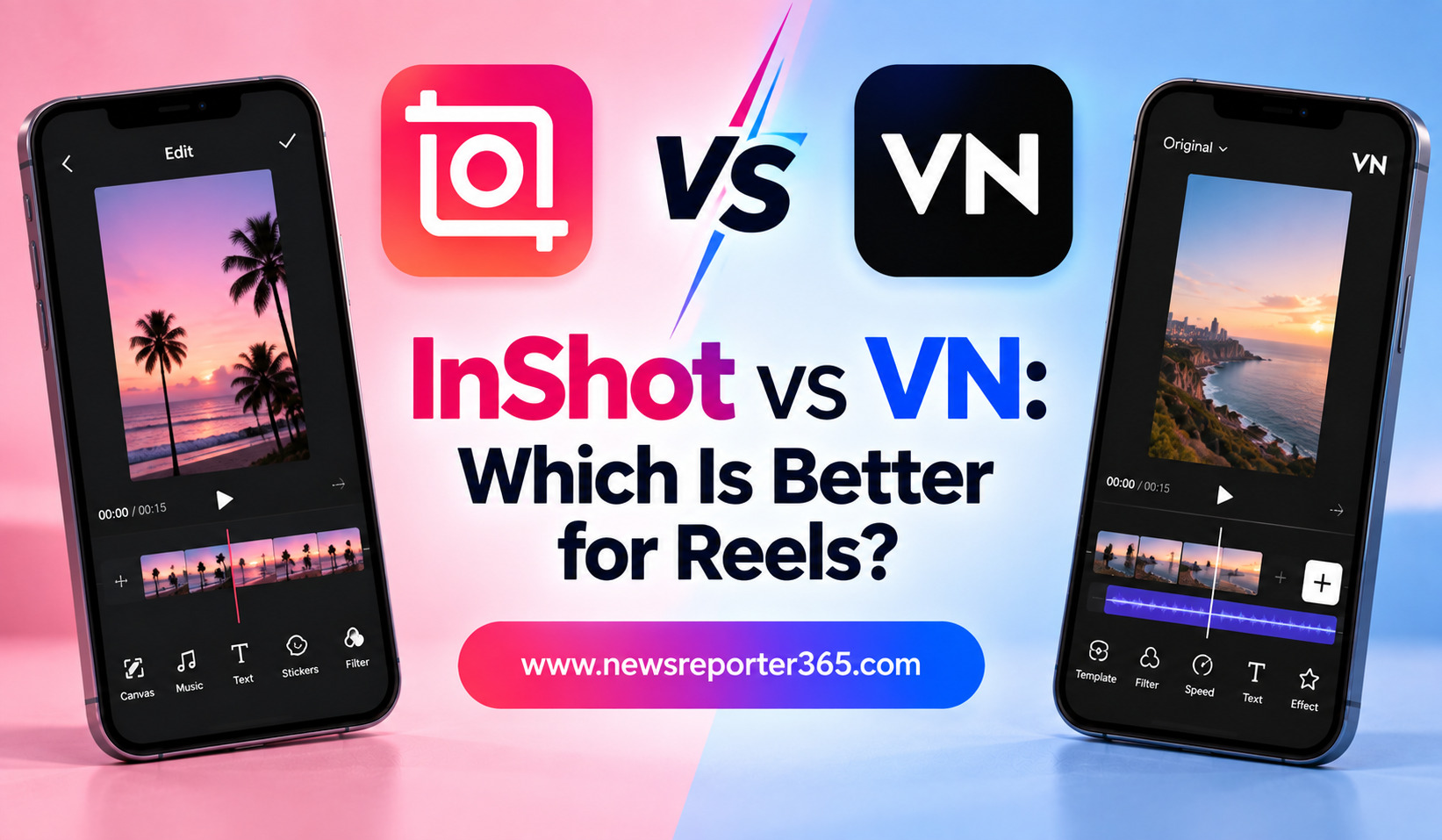
Creating Instagram Reels does not always require complicated desktop software. Mobile video editors such as InShot and VN Video Editor make it possible to turn ordinary clips into polished short-form videos directly from a smartphone. Both apps offer trimming, transitions, text, music, filters, speed controls, and tools for creating vertical content, but their editing experiences are quite different.
InShot focuses on simplicity and quick content creation, while VN provides a more traditional timeline-based editing experience with greater control. Choosing between them depends on whether you value speed and convenience or flexibility and detailed editing.
InShot vs VN: Quick Overview
At first glance, InShot and VN may appear similar because both are designed for mobile creators. However, they target slightly different types of users.
InShot is particularly appealing to beginners and creators who want to produce Reels quickly. Its interface keeps common tools accessible, making it easy to trim clips, add music, insert text, apply effects, and adjust the video canvas.
VN is more suitable for creators who want to experiment with layered editing and more precise control. Its timeline gives you greater freedom to work with video, audio, text, and other elements separately.
| Feature | InShot | VN Video Editor |
| Ease of use | Very easy | Easy to moderate |
| Timeline control | Simple | Advanced |
| Text and stickers | Excellent | Excellent |
| Music and audio | Strong | Strong |
| Transitions | Wide variety | Wide variety |
| Keyframe editing | Available | Available |
| Multi-layer editing | Available | Strong |
| Best for | Quick Reels | Detailed Reels |
| Learning curve | Low | Moderate |
What Is InShot?
InShot is a mobile-first video and photo editing app designed around straightforward content creation. It is particularly popular among social media creators because common editing functions are easy to find and use.
For Reels, you can import multiple clips, trim unwanted sections, rearrange footage, adjust the canvas, add music, create text overlays, apply filters, and use transitions. It also includes features such as speed controls, keyframes, picture-in-picture, captions, effects, and other creative tools.
Why InShot Is Good for Reels
The biggest advantage of InShot is its simplicity. You do not need extensive editing experience to start creating a Reel. The interface makes it relatively easy to move from raw footage to a finished video without navigating through a complicated workflow.
This is useful for creators who post frequently. If you are creating daily vlogs, food videos, fashion clips, product showcases, or lifestyle content, you may prefer an app that lets you finish an edit quickly.
InShot also works well when your Reel does not require complicated layers or highly detailed animation. You can focus on the content instead of spending too much time managing the editing interface.
What Is VN Video Editor?
VN Video Editor takes a more timeline-focused approach. Instead of keeping the editing experience extremely simple, it provides more control over individual layers and elements.
This makes VN useful for creators who want to create more polished or cinematic Reels. You can work with multiple video and audio tracks, adjust clip timing, add keyframes, control speed, and make detailed changes to the structure of your video.
Why VN Is Good for Reels
VN is particularly useful when your Reel requires more than basic trimming and text. For example, you may want background music on one track, natural sound on another, text on a separate layer, and additional footage layered over the main video.
The extra control can make VN more appealing as your editing skills improve. Beginners may need some time to understand the timeline, but the additional flexibility can be valuable for creators who want to move beyond simple editing.
Ease of Use: InShot Wins
If ease of use is your main priority, InShot has the advantage. Its interface is designed to make common editing actions feel straightforward. You can quickly find tools for trimming, text, music, filters, canvas adjustments, and effects.
VN is not difficult to use, but its greater number of timeline controls can make the first few projects feel more involved. Once you become comfortable with layers and tracks, however, the workflow becomes much easier.
For someone editing their first few Reels, InShot may feel more natural. For someone willing to spend time learning, VN can provide more room to grow.
Editing Control: VN Wins
When it comes to detailed editing, VN has an advantage. Its multi-track timeline gives creators more control over how different elements interact.
This is especially useful for cinematic travel Reels, fashion edits, music-focused videos, tutorials, and promotional content. You can make precise timing changes rather than relying mainly on quick preset-style adjustments.
InShot can also handle more advanced tasks, but its interface is more focused on keeping the overall process simple.
Text, Captions, and Graphics
Both apps provide useful tools for adding text and captions to Reels. InShot is convenient for creators who want to add straightforward titles, subtitles, stickers, and animated text without spending much time adjusting individual elements.
VN provides more timeline control, which can be useful when you want text to appear at very specific moments or coordinate several layers.
For basic captions and social media text, either app can work well. Your choice becomes more important when your Reel relies heavily on detailed text animation or layered graphics.
Music and Audio Editing
Music is an important part of many Reels, and both InShot and VN provide tools for adding music, sound effects, and voice recordings.
InShot is convenient for quickly adding a soundtrack and adjusting its position against the video. This makes it suitable for short lifestyle clips, travel montages, product videos, and everyday social content.
VN is better suited to projects where audio requires more detailed timing. Its timeline approach makes it easier to manage multiple audio elements and synchronize them with specific video moments.
If you simply need background music, InShot is more than sufficient. If your edit depends heavily on audio timing, VN may be the better option.
Effects, Filters, and Transitions
InShot offers a wide selection of filters, effects, stickers, and transitions designed for quick social content. This can be helpful when you want to give a Reel a specific mood without manually building every effect.
VN also provides transitions, filters, effects, and animation tools, but its overall workflow gives you more control over how those elements are used.
The important point is that neither app requires you to fill your Reel with effects. A strong opening, clean cuts, readable text, and suitable music are usually more important than using every available transition.
Which App Is Better for Beginners?
For complete beginners, InShot is generally the easier starting point. Its simpler interface lets you learn basic editing concepts without being overwhelmed by multiple timeline layers.
A beginner can start by learning four basic actions:
- Trim unnecessary footage.
- Arrange clips in a logical order.
- Add music and text.
- Export in a vertical Reel format.
Once these skills become comfortable, creators can explore more advanced tools.
VN is also beginner-friendly, but it makes more sense for someone who wants to learn a deeper editing workflow from the beginning.
Which App Is Better for Advanced Reel Editing?
VN is the stronger choice for advanced editing because it provides greater control over layers, timing, animation, and the overall timeline.
Creators producing cinematic Reels or highly edited promotional videos may appreciate this flexibility. It is also useful when you want to create more complex edits without immediately moving to desktop software.
InShot can still handle advanced projects, especially with features such as keyframes, picture-in-picture, speed controls, effects, and background-related tools. However, its greatest strength remains fast and accessible editing.
InShot vs VN for Different Types of Creators
The right choice becomes clearer when you consider the type of content you produce.
Choose InShot if you:
- Want to edit Reels quickly.
- Prefer a simple mobile interface.
- Mostly create lifestyle, food, fashion, or casual content.
- Want easy access to text, music, filters, and effects.
Choose VN if you:
- Want more timeline control.
- Create cinematic or layered Reels.
- Need detailed audio and video adjustments.
- Want an editor that can grow with your skills.
Tips for Choosing Between InShot and VN
Do not choose an editor simply because it has more features. An app is useful only when those features fit your workflow.
If you usually record a few clips and want to publish a Reel within minutes, InShot’s straightforward approach may save you time. If you regularly spend more time refining transitions, audio, layers, and animation, VN may be worth learning.
You can also try creating the same short Reel in both apps. After one or two projects, you will quickly notice which interface feels more comfortable.
FAQs
1. Is InShot better than VN for Instagram Reels?
InShot is better for creators who prioritize simplicity and speed. VN is better when you need more detailed timeline control. Neither is universally better because the ideal choice depends on your editing style.
2. Which is easier to learn, InShot or VN?
InShot is generally easier for beginners because its interface focuses on straightforward editing tools. VN has a slightly steeper learning curve because it provides more advanced timeline functionality.
3. Is VN good for professional-looking Reels?
Yes. VN provides enough timeline, layering, keyframe, audio, and visual controls to create polished Reels. The quality of the final video will still depend heavily on your footage, editing decisions, and storytelling.
4. Can InShot create high-quality Instagram Reels?
Yes. InShot supports vertical video editing and customizable export options, making it suitable for creating high-quality Reels. Always review your export settings before saving the final video.
5. Should I use InShot or VN for daily Reel creation?
If speed is your priority, InShot may be more convenient for daily posting. If your daily Reels involve more complex editing and you do not mind spending extra time on each project, VN can be the better choice.
Conclusion
InShot and VN are both capable apps for creating Instagram Reels, but they approach editing differently. InShot stands out for simplicity, speed, and an accessible interface, making it an excellent option for beginners and creators who publish frequently.
VN is the stronger choice for creators who want more control over timelines, layers, audio, and animation. It may require a little more learning, but that additional control can be valuable as your editing skills develop.
For quick and uncomplicated Reels, choose InShot. For detailed and more flexible editing, choose VN. If you are unsure, try both with the same project and choose the one that makes your editing process feel more natural.