

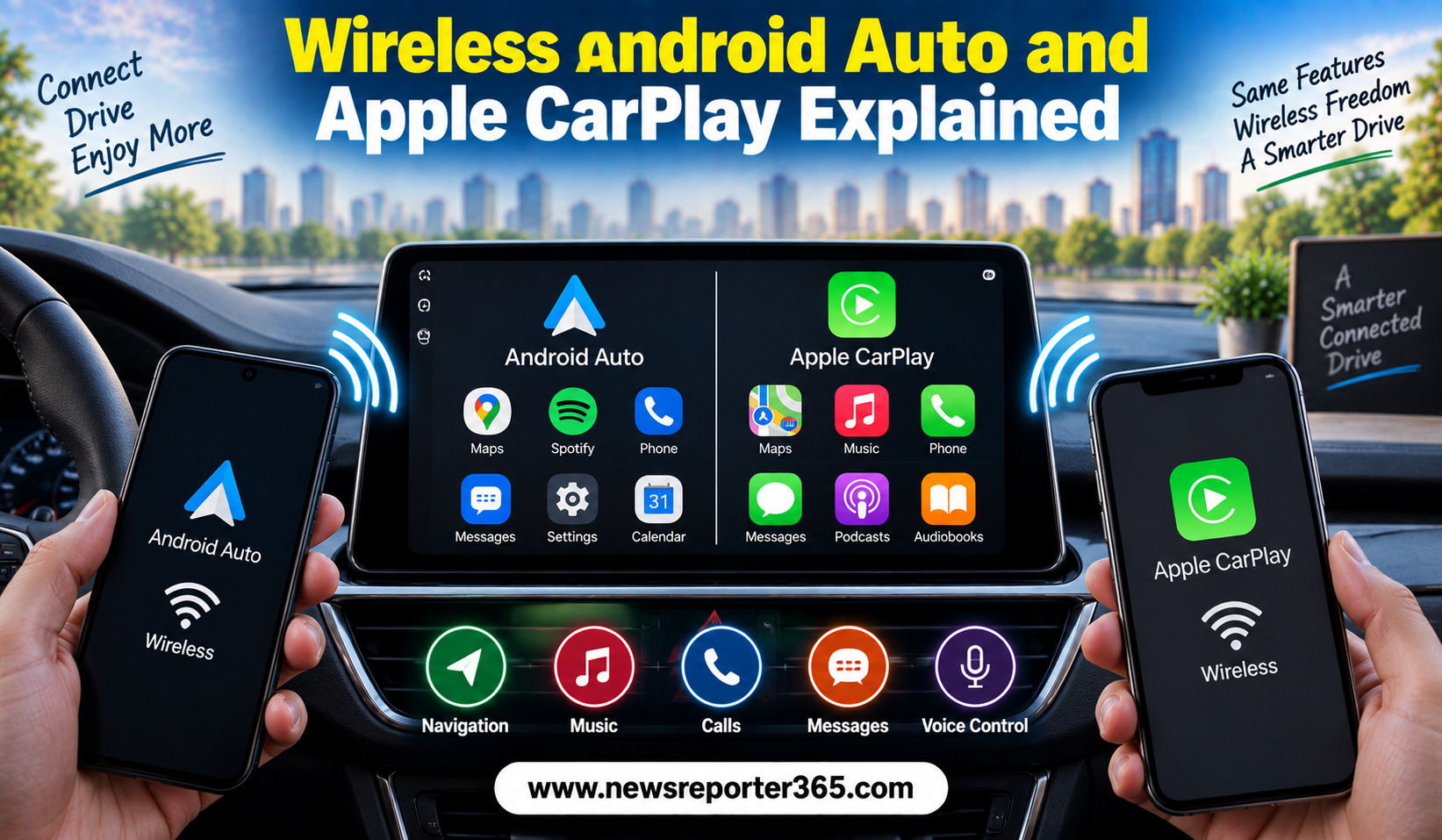
Smartphone connectivity has become an important part of the modern car experience. Infotainment systems are no longer limited to playing music or showing radio stations. Drivers now expect easy access to navigation, calls, messages and selected smartphone apps while keeping their attention on the road. This is where Android Auto and Apple CarPlay have become increasingly important.
Earlier versions of these systems generally required a USB cable to connect a smartphone to the car. Wireless connectivity has changed that experience by allowing compatible phones to connect without physically plugging them into the infotainment system.
Wireless Android Auto and wireless Apple CarPlay can make everyday driving more convenient, but they are not completely identical technologies. Compatibility depends on the phone, vehicle infotainment system and software configuration. Understanding how they work can help car buyers decide whether a particular infotainment system offers the connectivity they actually need.
What Are Android Auto and Apple CarPlay?
Android Auto and Apple CarPlay are smartphone integration platforms designed to bring selected phone functions to a compatible vehicle’s infotainment display.
Android Auto is designed for compatible Android smartphones, while Apple CarPlay is designed for compatible iPhones. Instead of displaying the entire phone interface, these systems provide a driving-focused interface with supported applications and functions.
The idea is relatively simple. Rather than constantly picking up a smartphone to navigate, make calls or control music, the driver can use the vehicle’s screen, steering-mounted controls or voice assistant.
The result is a more integrated experience that allows the smartphone and car infotainment system to work together.
What Does “Wireless” Actually Mean?
The word wireless can sometimes create confusion. Wireless Android Auto and Apple CarPlay do not mean that the phone connects to the car without using any form of wireless communication. Instead, compatible systems establish the connection using wireless technologies rather than requiring a USB cable for the data connection.
Once the initial setup is completed, the phone can often connect automatically when the driver enters the vehicle, depending on the car and phone.
This removes one of the most noticeable inconveniences of wired smartphone integration: having to connect and disconnect a cable every time you get into the car.
However, wireless connectivity does not eliminate the need to charge the phone. In fact, using navigation, mobile data and wireless connectivity can consume smartphone battery, particularly during longer journeys.
How Wireless Android Auto Works
Wireless Android Auto allows a compatible Android phone to communicate with a compatible vehicle infotainment system without requiring a USB cable for normal operation.
The exact setup process varies between vehicles and smartphones, but the phone generally needs compatible wireless connectivity enabled. Once the vehicle and phone are paired, the infotainment system can launch Android Auto when the connection is established.
The driver can then access supported navigation, communication and entertainment functions through the car’s display.
Google Maps and other compatible navigation applications can provide directions, while music and audio applications can be controlled through the vehicle interface. Messages can generally be handled using voice-based interaction rather than requiring the driver to type on the screen.
How Wireless Apple CarPlay Works
Wireless Apple CarPlay follows a similar concept but is designed for compatible iPhones.
After pairing a compatible iPhone with the vehicle, CarPlay can connect wirelessly when the phone and vehicle are within the appropriate range. The vehicle’s infotainment display then provides the CarPlay interface.
Apple’s system can integrate navigation, phone calls, messages, music and other supported applications. Siri voice control can also be used for tasks such as making calls, sending messages and getting directions.
For iPhone users, wireless CarPlay can provide a more seamless experience because there is no need to connect a cable every time the vehicle is started.
Wireless vs Wired Connectivity
The biggest difference between wired and wireless integration is convenience. Wired systems require a physical USB connection, while wireless systems can establish the connection automatically after the initial setup.
However, wired connectivity still has one major advantage: charging. When a smartphone is connected through a suitable USB connection, it can charge while being used.
Wireless systems may therefore be more convenient for short trips, while drivers travelling long distances may still prefer to keep a charging cable or use a wireless charging pad if the vehicle provides one.
| Feature | Wired Android Auto/CarPlay | Wireless Android Auto/CarPlay |
| Physical cable required | Yes | No for normal connection |
| Automatic connection | Usually requires plugging in | Often possible after pairing |
| Phone charging | Yes, through compatible USB | Requires separate charging |
| Convenience | Good | Higher for frequent short trips |
| Setup | Generally straightforward | Initial wireless pairing required |
| Battery impact | Phone can charge during use | Phone battery may decline during use |
| Compatibility | Widely available | Depends on vehicle and phone |
The actual experience depends on the specific vehicle and smartphone.
What Can You Do With Wireless Car Connectivity?
These systems are designed to make common smartphone functions easier to use while driving. Their usefulness comes from reducing the need to interact directly with the phone.
Depending on the supported apps and vehicle, users can generally access:
- Turn-by-turn navigation
- Music and audio streaming
- Hands-free calls
- Messages and voice-based communication
The exact application support can vary. Not every smartphone application can appear on the vehicle’s screen, and some apps are restricted because they may not be appropriate for use while driving.
Navigation Is One of the Biggest Benefits
Navigation is arguably one of the most useful reasons to use Android Auto or Apple CarPlay.
Instead of relying on a basic built-in navigation system, compatible smartphones can provide familiar mapping services with regularly updated information. This can be especially useful for drivers who frequently travel to unfamiliar locations.
Voice guidance and the larger infotainment display can also make directions easier to follow. However, drivers should still configure destinations before starting a journey where possible and avoid unnecessary interaction with the screen while driving.
The quality of the experience also depends on smartphone connectivity. If the phone has poor mobile coverage, some navigation features may not work as expected.
Music and Audio Become Easier
Wireless connectivity is also convenient for audio. Once the smartphone connects, drivers can use supported music and podcast applications through the vehicle interface.
The main advantage is continuity. A driver can enter the car, allow the phone to connect and continue using compatible audio services without manually connecting a cable.
For people who spend significant time commuting, this can make the infotainment system feel more closely integrated with their daily smartphone habits.
Voice Commands Reduce Screen Interaction
Voice control is another important part of both platforms. Instead of manually entering information on the touchscreen, users can rely on voice assistants for many common tasks.
A driver can request navigation, make a phone call or control audio without repeatedly reaching toward the smartphone. This does not mean drivers can safely perform every phone-related task through voice commands, but it can reduce unnecessary physical interaction.
Voice recognition quality can depend on background noise, microphone placement, internet connectivity and the phone itself.
Does Wireless Connectivity Use Mobile Data?
Android Auto and Apple CarPlay themselves are not simply replacements for a mobile data connection. Many smartphone-based services still rely on the phone’s internet connection.
For example, online maps, music streaming and some other applications may consume mobile data during use. Drivers with limited data plans should keep this in mind, particularly if they regularly stream high-quality audio or use online navigation.
Offline maps and downloaded content can reduce data usage where supported.
Common Problems With Wireless Android Auto and CarPlay
Wireless connectivity is convenient, but it can occasionally create problems. Connection failures, delayed startup, software glitches or compatibility issues may occur.
Sometimes the problem can be resolved by restarting the phone or infotainment system. In other cases, updating the smartphone or vehicle software may help.
Before assuming that a vehicle supports wireless connectivity, buyers should verify the exact specification. Some infotainment systems support only wired Android Auto or CarPlay even though they have smartphone integration.
Common issues can include:
- Phone failing to connect automatically
- Intermittent wireless connection
- Delayed app loading
- Compatibility problems after software updates
These issues are not necessarily permanent and can sometimes be resolved through software updates or re-pairing.
Is Wireless Android Auto and CarPlay Safe?
The purpose of these systems is to provide a more controlled interface for smartphone functions while driving. Voice commands and simplified interfaces can reduce the temptation to handle a phone directly.
However, smartphone integration does not remove driver distraction completely. Drivers should configure navigation and other functions before moving whenever possible.
Touchscreen interaction should be kept to a minimum while the vehicle is in motion. Wireless connectivity should be treated as a convenience and driver-assistance feature, not permission to use a smartphone freely behind the wheel.
Is Wireless Connectivity Worth Paying Extra For?
For buyers who regularly use smartphone navigation, music and calls, wireless connectivity can be a valuable feature. It is particularly convenient for short journeys where connecting a cable every time can become annoying.
However, buyers should not choose a vehicle solely because it has wireless CarPlay or Android Auto. Other factors such as safety equipment, cabin quality, reliability, service costs and overall price should remain more important.
If two otherwise similar cars are being compared, wireless smartphone connectivity can become a useful deciding factor.
What Should Buyers Check Before Buying a Car?
Infotainment specifications can sometimes be confusing because manufacturers may simply advertise “Android Auto” or “Apple CarPlay” without clearly stating whether the connection is wireless.
Before purchasing, buyers should check the exact variant and infotainment specification. A test using the buyer’s own phone can also be useful where permitted.
It is worth checking:
- Whether Android Auto, Apple CarPlay or both are supported.
- Whether the connection is wireless or USB-only.
- Which USB ports support smartphone integration.
- Whether software updates can change compatibility.
This can prevent disappointment after purchasing the vehicle.
Final Word
Wireless Android Auto and Apple CarPlay have made smartphone integration considerably more convenient. Instead of connecting a USB cable every time, compatible phones can connect wirelessly to the vehicle’s infotainment system after the initial setup.
The benefits are particularly noticeable for navigation, music, calls and voice-based communication. However, wireless connectivity also means the phone may consume battery more quickly, making a charging solution useful during longer journeys.
Most importantly, buyers should check the exact compatibility of the vehicle and smartphone rather than assuming that every car offering Android Auto or Apple CarPlay supports wireless operation.
For drivers who depend heavily on smartphone-based navigation and entertainment, wireless connectivity can be a genuinely useful everyday feature. But it should be considered alongside the car’s safety, practicality, performance and ownership costs rather than as the main reason to choose a vehicle.
FAQs
What is wireless Android Auto?
Wireless Android Auto allows compatible Android smartphones to connect to a compatible vehicle’s infotainment system without requiring a USB cable for normal operation.
What is wireless Apple CarPlay?
Wireless Apple CarPlay allows compatible iPhones to connect to a compatible car’s infotainment system wirelessly after the initial pairing process.
Is wireless Android Auto better than wired Android Auto?
Wireless Android Auto is generally more convenient because it eliminates the need to connect a cable. However, wired connectivity can charge the phone during use, which can be useful on long journeys.
Does wireless Apple CarPlay drain the phone battery?
It can contribute to battery consumption because the phone is using wireless connectivity, mobile data and potentially navigation or streaming services. A charging cable or compatible wireless charging pad can help during longer trips.
Does every car with Android Auto support wireless connectivity?
No. Some vehicles support Android Auto only through a USB connection. Buyers should check the exact infotainment specification of the particular model and variant.