

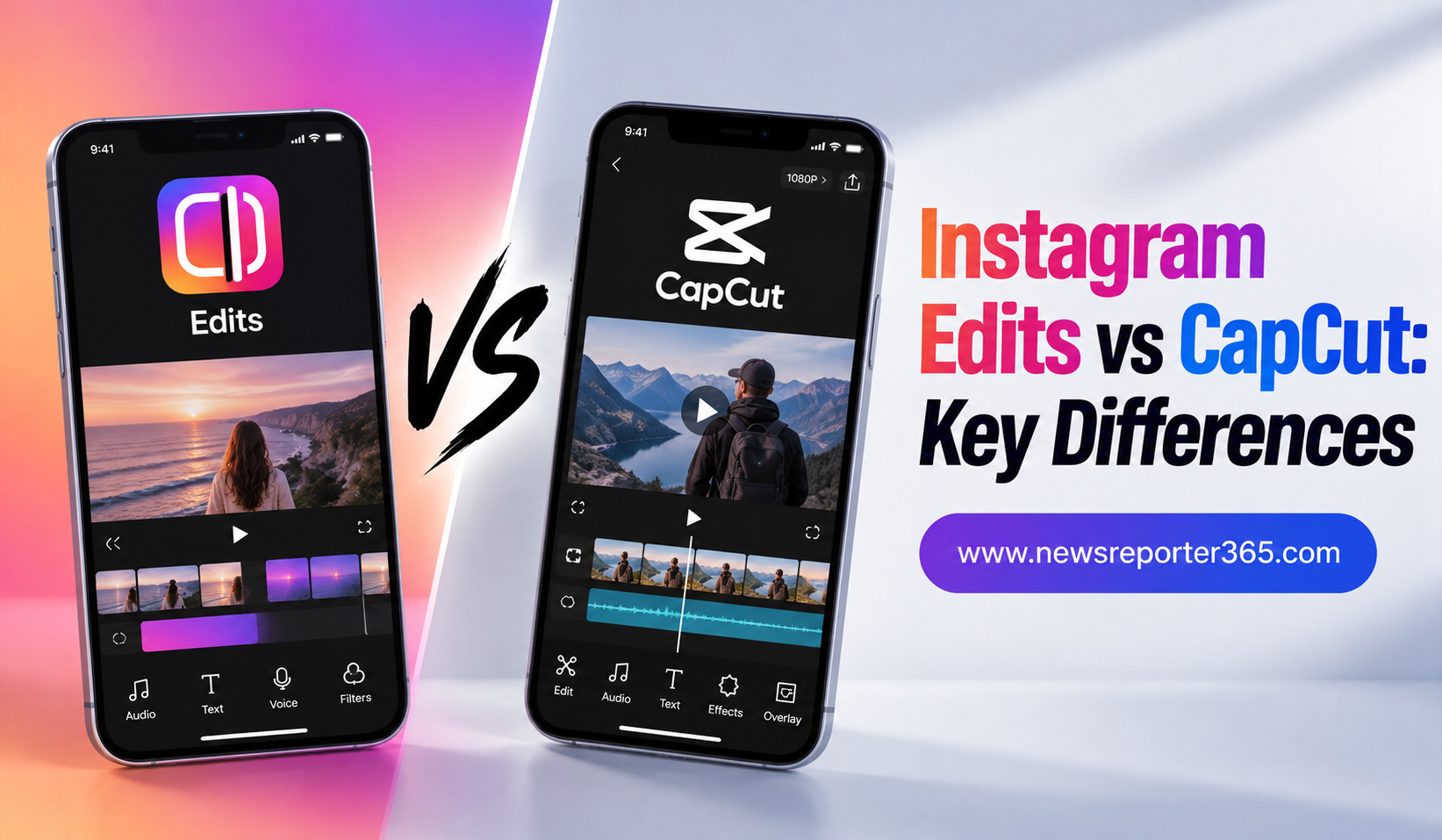
Creating Instagram Reels has become much easier with dedicated mobile video editing apps. Two names that creators frequently compare are Instagram Edits and CapCut. Both can help turn raw clips into polished short-form videos, but they are designed with different priorities in mind.
Instagram Edits is built around the Instagram creator experience, while CapCut is a broader video editing platform with a strong focus on creative effects, templates, AI tools, and detailed editing. Understanding their differences can help you decide which app fits your Reel creation workflow.
What Is Instagram Edits?
Instagram Edits is a standalone video creation app developed around the needs of social media creators. It is designed to make recording, editing, organizing, and publishing short-form content easier from a phone.
The app provides tools for trimming clips, adding text, captions, music, effects, filters, transitions, overlays, and other creative elements. It also focuses on helping Instagram creators understand how their content performs, making it more than just a basic editing application.
Why Creators Use Instagram Edits
The biggest advantage of Edits is its connection to Instagram. If Instagram is your primary platform, you can keep much of your content workflow within an ecosystem designed specifically around Reels.
It is particularly useful for creators who want a relatively clean interface and quick access to social-focused tools. Features such as automatic captions, video effects, audio enhancements, and performance insights can reduce the number of separate tools needed to plan and publish content.
What Is CapCut?
CapCut is a dedicated video editing application designed for both beginners and experienced creators. It has become popular for short-form videos because it combines a relatively accessible interface with a large collection of editing tools.
Creators can use it for trimming, transitions, filters, effects, text animations, music, speed adjustments, overlays, keyframes, and AI-assisted editing. It also provides templates that can make trend-based videos much faster to produce.
Why Creators Use CapCut
CapCut’s main strength is creative flexibility. Instead of focusing only on Instagram, it supports workflows for multiple social platforms and different types of video content.
A creator can use CapCut for a simple 15-second Reel or a more detailed project involving multiple layers, audio tracks, effects, and animations. This makes it attractive to users who want an editor that can grow with their skills.
Instagram Edits vs CapCut: Key Differences
Although both apps can produce high-quality Reels, the experience can feel quite different. Edits focuses more heavily on Instagram-oriented creation, while CapCut provides a broader editing environment.
| Feature | Instagram Edits | CapCut |
| Main focus | Instagram and social content | General short-form video editing |
| Ease of use | Beginner-friendly | Beginner-friendly with advanced options |
| Templates | Growing collection | Extensive template selection |
| AI tools | AI-assisted creative features | Broad AI editing toolkit |
| Captions | Automatic captions | Automatic captions and styling |
| Effects | Social-focused effects | Large effects and transition library |
| Analytics | Instagram-focused insights | No comparable native publishing analytics |
| Editing control | Strong mobile editing | More extensive creative control |
| Platforms | Primarily mobile | Mobile, desktop, and web options |
| Best for | Instagram-first creators | Multi-platform creators |
Ease of Use
Both apps are accessible to beginners, but their interfaces have different purposes. Instagram Edits aims to keep the content creation process straightforward, particularly for people producing Reels regularly.
CapCut also has a beginner-friendly interface, but it presents a much larger range of tools. This can be helpful when you need more control, although beginners may initially spend more time exploring the available options.
If your priority is creating a Reel quickly without navigating too many advanced controls, Edits can feel more focused. If you want to experiment with different editing techniques, CapCut provides more room to explore.
Editing Features and Timeline Control
CapCut generally has the advantage when detailed editing is the priority. Its timeline-based workflow allows creators to work with multiple layers and make precise changes to video, audio, text, effects, and other elements.
Instagram Edits also provides detailed editing capabilities and frame-level control, making it capable of producing polished Reels. However, its overall experience is more closely connected to short-form social content.
For a simple Reel, the difference may not matter much. For complex projects with several layers, carefully timed effects, and detailed audio adjustments, CapCut may provide more flexibility.
Templates and Creative Effects
Templates are one of CapCut’s strongest areas. Creators can start with pre-designed structures instead of building every transition and effect manually. This is especially useful for trend-driven Reels where timing and visual style are important.
Instagram Edits also provides creative effects and inspiration designed around social video creation. However, creators looking for a particularly large variety of ready-made editing styles may prefer CapCut.
Templates can save time, but they should not completely determine the personality of your content. Changing the text, footage, pacing, and visual elements can make a template feel more original.
AI Features
AI has become an important part of modern video editing, and both apps have incorporated AI-assisted features.
Instagram Edits can help with tasks such as automatic captions, image animation, creative effects, and audio enhancement. Its AI capabilities are especially useful when the goal is to make social content faster without leaving the Instagram-focused workflow.
CapCut offers a broader selection of AI-powered tools. Depending on the version and available features, creators can use AI for tasks such as background removal, automatic editing, captions, visual effects, voice-related tools, and other creative processes.
For creators who want to experiment heavily with AI editing, CapCut generally offers more variety. For Instagram-focused creators who only need selected AI tools, Edits can be more straightforward.
Audio and Music
Audio plays a major role in Reel performance, and both apps provide ways to combine music, voice, and sound effects with video.
Instagram Edits has an advantage for creators who want to work closely with Instagram’s social ecosystem and discover content ideas around trending audio. It makes sense when your main destination is Instagram.
CapCut provides more editing-oriented audio controls. Creators can work with music, sound effects, voice recordings, and other audio elements as part of a broader timeline workflow.
For basic music placement, either app can work well. The better choice depends on whether you prioritize Instagram integration or detailed editing flexibility.
Export Quality and Sharing
Instagram Edits is designed to make the process of creating and sharing content to Instagram convenient. It also supports high-quality exports and is intended to work smoothly with social publishing.
CapCut is more platform-neutral. You can export your finished video and use it across Instagram, YouTube Shorts, TikTok, Facebook, and other platforms.
This makes CapCut particularly useful for creators who produce one video and distribute it across multiple channels. Edits is more attractive when Instagram is the center of your publishing strategy.
Instagram Insights: A Major Edits Advantage
One of the most important differences is the relationship between editing and performance data.
Instagram Edits is closely connected to Instagram’s creator ecosystem and provides insights that can help creators understand how their Reels perform. This can make the editing process more connected to the publishing process.
CapCut is primarily an editing tool. After exporting your video, you generally rely on the social platform where you publish it to understand its performance.
For Instagram creators who want editing and content performance to exist within one workflow, Edits has a clear advantage.
Which App Is Better for Beginners?
Both apps are suitable for beginners, but the choice depends on what the beginner wants to learn.
Instagram Edits can be a better starting point for someone whose main goal is to create Instagram Reels quickly. Its Instagram-centered workflow keeps the process relatively focused.
CapCut may be better for someone who wants to learn broader video editing skills. Its larger collection of tools allows beginners to start with simple edits and gradually explore more advanced techniques.
A good beginner should focus on learning the fundamentals rather than using every feature:
- Start with clean cuts and strong clip selection.
- Learn how to synchronize video with audio.
- Use captions and text carefully.
- Experiment with effects only when they improve the story.
Which App Is Better for Advanced Creators?
For advanced editing, CapCut generally has the edge because of its broader collection of effects, templates, AI tools, and timeline controls. It is suitable for creators who want to build more complicated edits without immediately moving to professional desktop software.
Instagram Edits is still a capable option for experienced Instagram creators, especially those who value performance insights and a streamlined publishing workflow.
The decision ultimately depends on whether advanced editing flexibility or Instagram-specific functionality is more important.
Instagram Edits vs CapCut: Which One Should You Choose?
Choose Instagram Edits if Instagram is your main platform and you want a focused workflow for creating, editing, publishing, and evaluating Reels.
Choose CapCut if you want more creative tools, a wider range of templates and effects, stronger multi-platform flexibility, or greater control over complex edits.
For many creators, using both can also make sense. You might use CapCut for detailed editing and Edits for Instagram-focused content management and performance analysis.
FAQs
1. Is Instagram Edits better than CapCut?
Neither app is universally better. Instagram Edits is stronger for Instagram-focused workflows, while CapCut generally offers more creative tools, templates, effects, and advanced editing flexibility.
2. Which app is easier for beginners?
Instagram Edits can feel simpler for creators who mainly want to produce Instagram Reels. CapCut is also beginner-friendly but offers more tools, which may take additional time to learn.
3. Does Instagram Edits have AI features?
Yes. Instagram Edits includes several AI-assisted and creative features, including automatic captions, image animation, and AI-powered video effects. Its feature set continues to evolve.
4. Can CapCut be used for Instagram Reels?
Yes. CapCut can be used to edit vertical videos for Instagram Reels. You can create the video in CapCut, export it, and then upload it to Instagram.
5. Which app should I use for professional-looking Reels?
Both can create polished Reels. CapCut is generally better if you want extensive editing control and creative effects, while Edits is a strong option if you want an Instagram-centered workflow with editing and performance tools together.
Conclusion
Instagram Edits and CapCut are both powerful options for creating Instagram Reels, but they serve different priorities. Edits is built around the Instagram creator journey, offering a focused mobile workflow and useful connections to Instagram content performance.
CapCut takes a broader approach, giving creators more editing flexibility, templates, effects, AI tools, and options for working across multiple platforms.
If your content strategy is almost entirely based on Instagram, Edits is worth considering. If you want a more versatile video editor that can support different platforms and increasingly complex projects, CapCut is the stronger choice. The best app is ultimately the one that fits your editing style and helps you consistently create better content.